
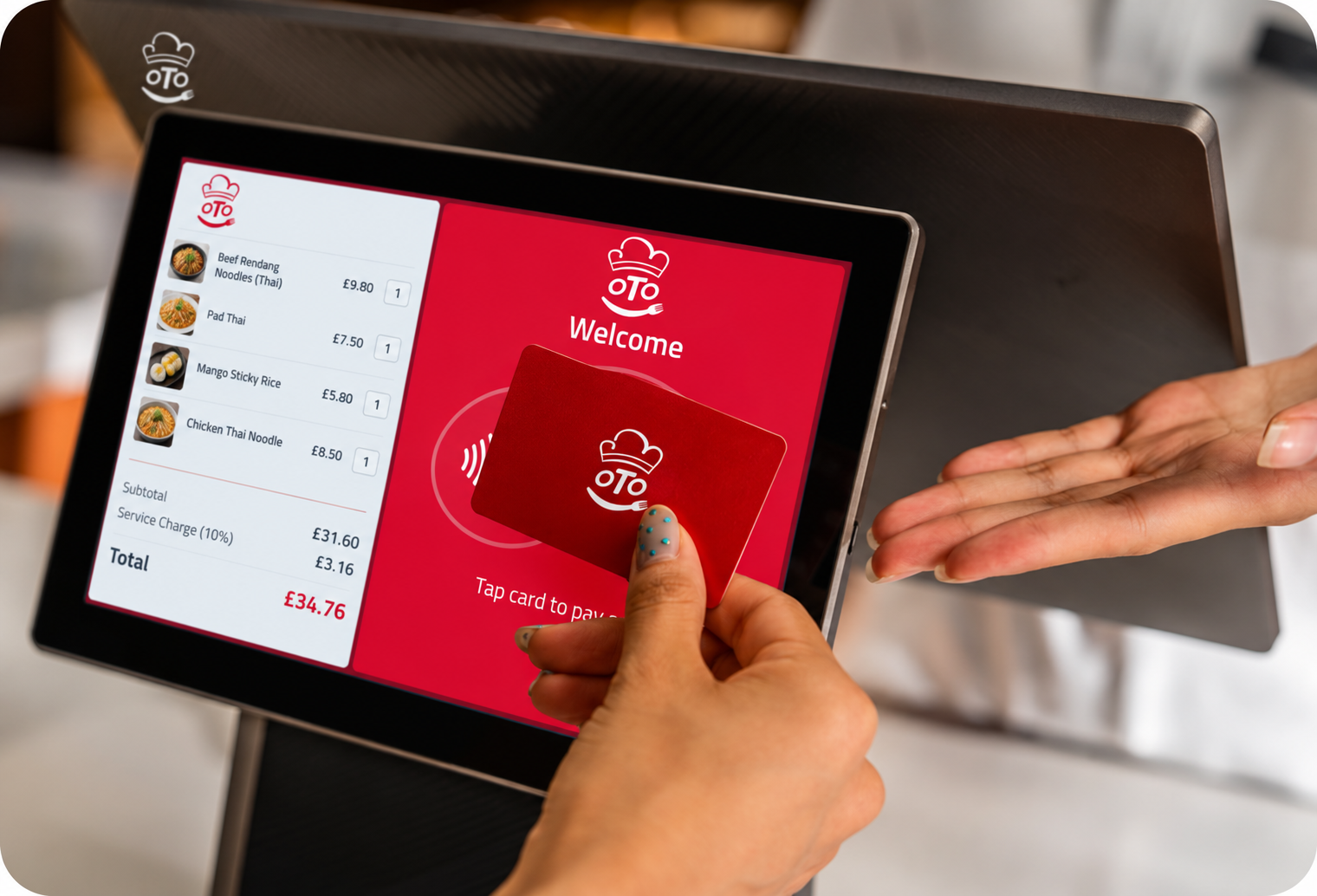
OTO-tab — compact online ordering
Our mini tablet device gives your business a compact way to receive and manage orders through Order Takeaway Online. Explore an OTO-tab package if you want to add online ordering without a full EPOS installation.
Products
Choose the products that suit your business, with support to help you get started and make the most of your setup.
Our mini tablet device gives your business a compact way to receive and manage orders through Order Takeaway Online. Explore an OTO-tab package if you want to add online ordering without a full EPOS installation.
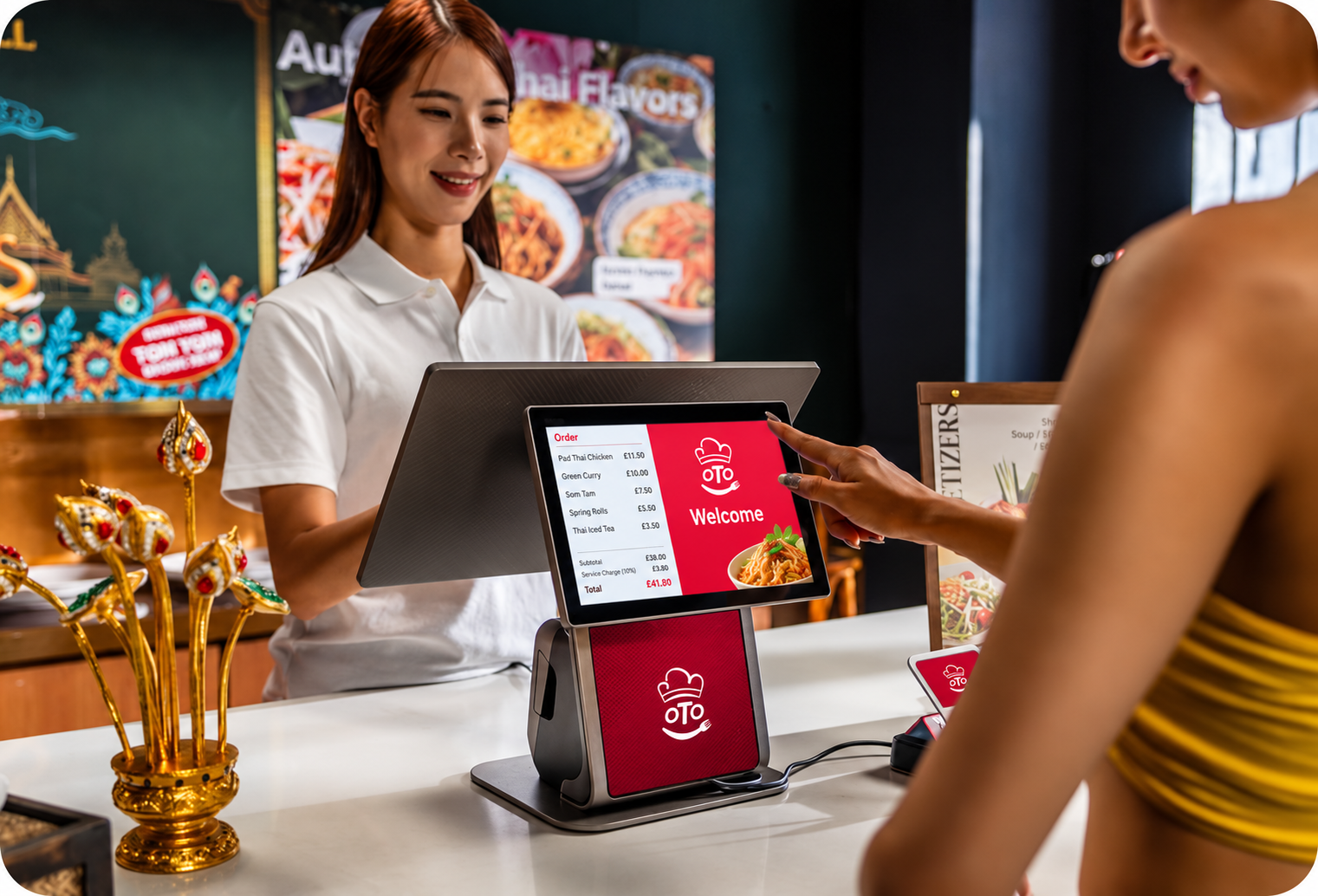
Manage orders and payments through your main EPOS terminal, bringing connected ordering channels into your daily workflow. Speak to our team about a setup suited to your counter, restaurant or kitchen.
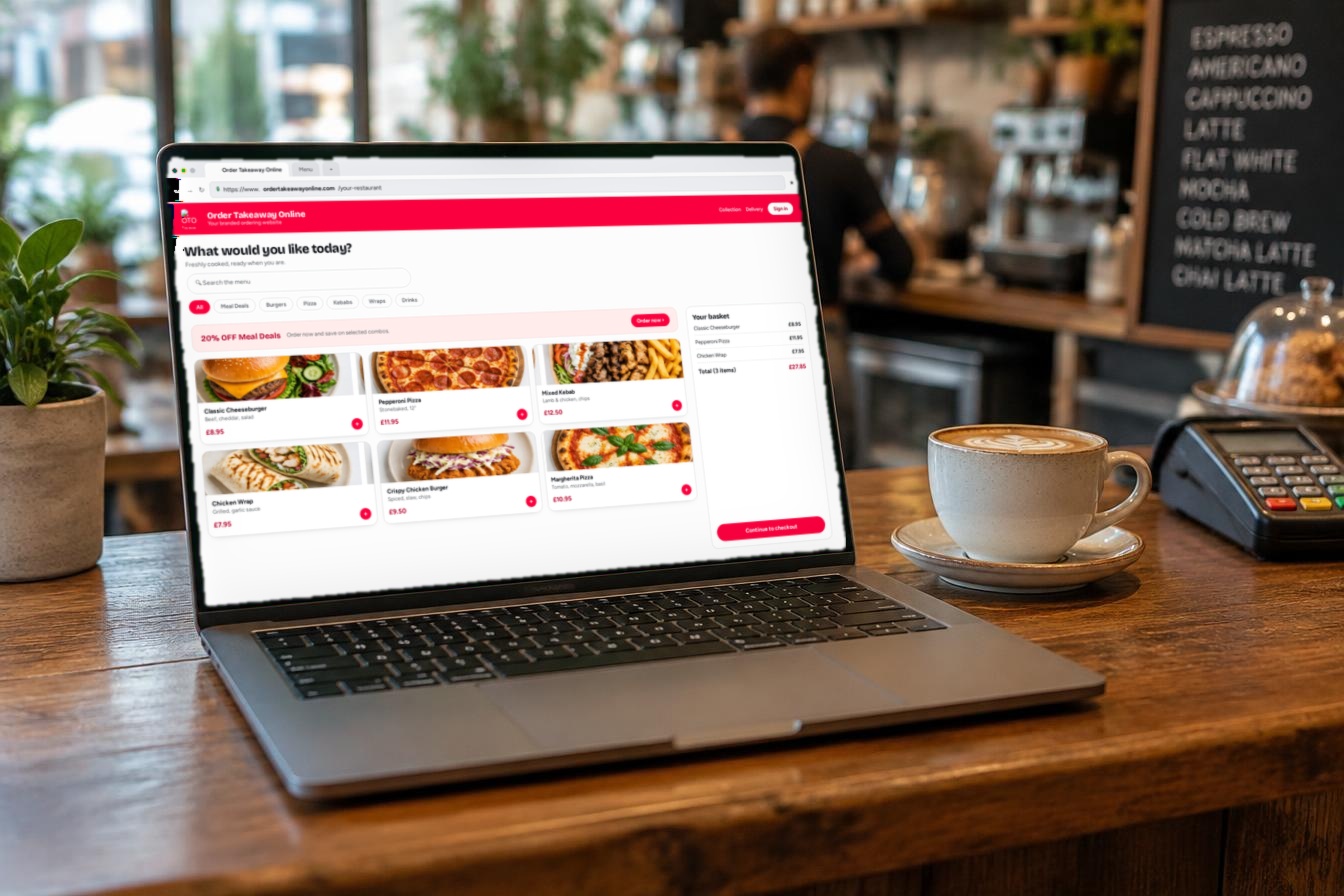
Give customers a direct route to your menu and online ordering. Keep your business identity at the centre of the experience, with a website for collection and delivery orders.
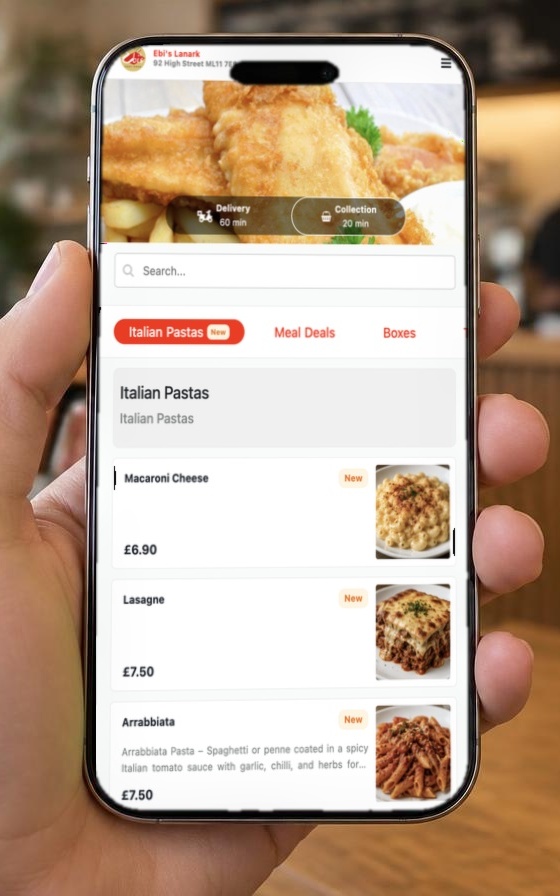
Make it convenient for customers to return and order again through an app carrying your business brand.
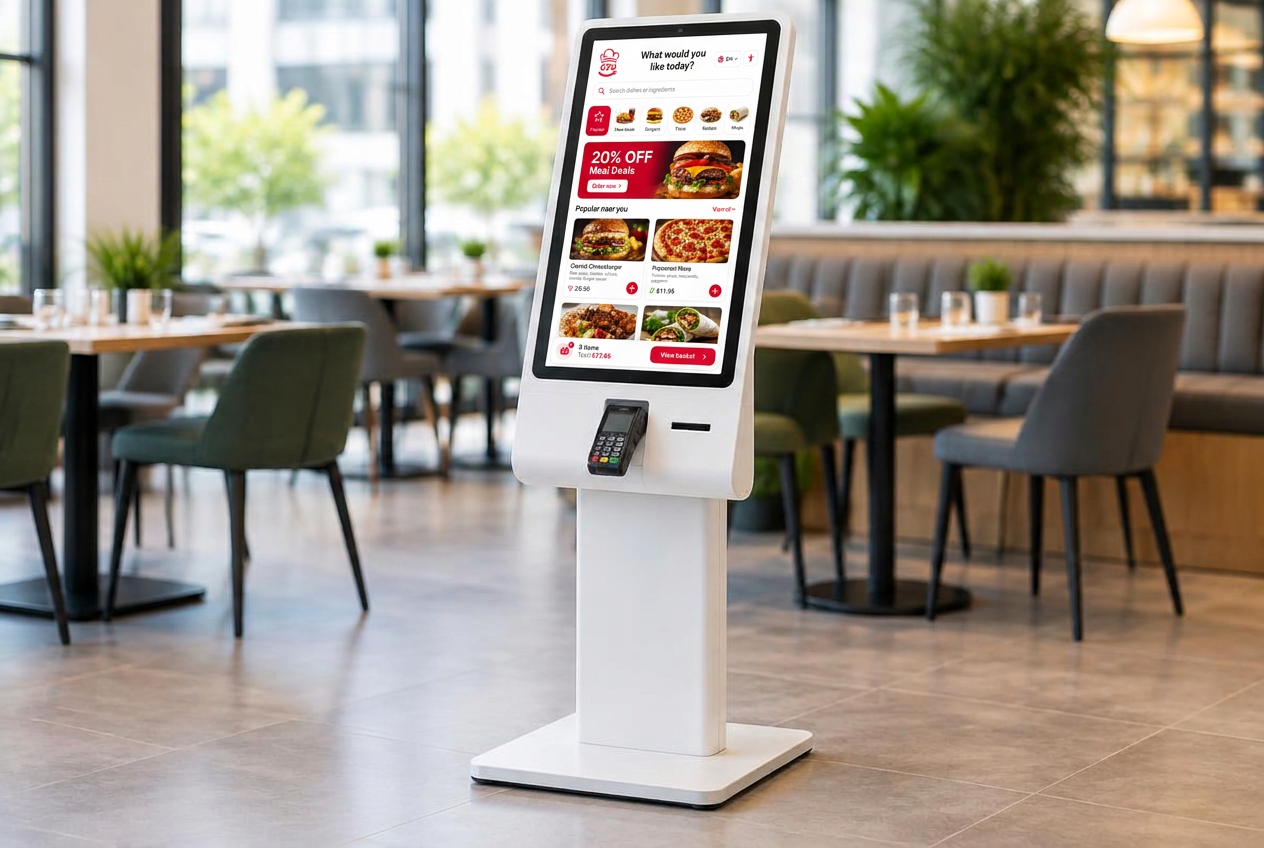
Give in-store customers a convenient way to browse, customise and place their orders. Our ordering kiosks integrate with your platform to support a connected ordering workflow.
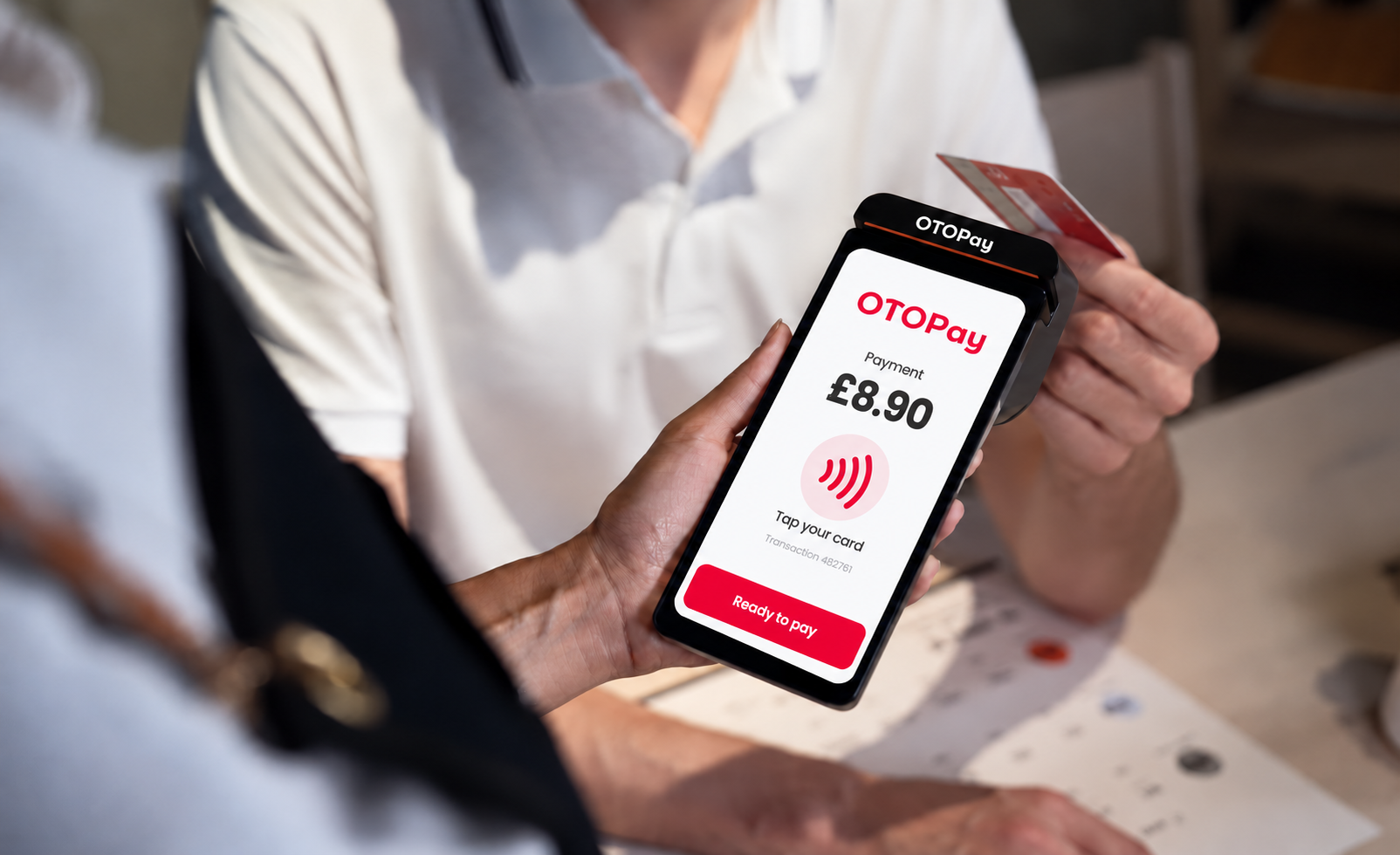
Offer convenient card payments integrated with your EPOS and ordering kiosks. Connect ordering and payment for a smoother checkout experience.
The EPOS terminal photos and the ordering screen on the phone show real OTO equipment and a real OTO ordering page. The kiosk and laptop screens show a sample OTO screen design. Other images are illustrative and do not depict exact OTO devices or branding.
EPOS terminal
Every OTO EPOS setup is built around this touchscreen terminal, with the receipt printer built into the base.
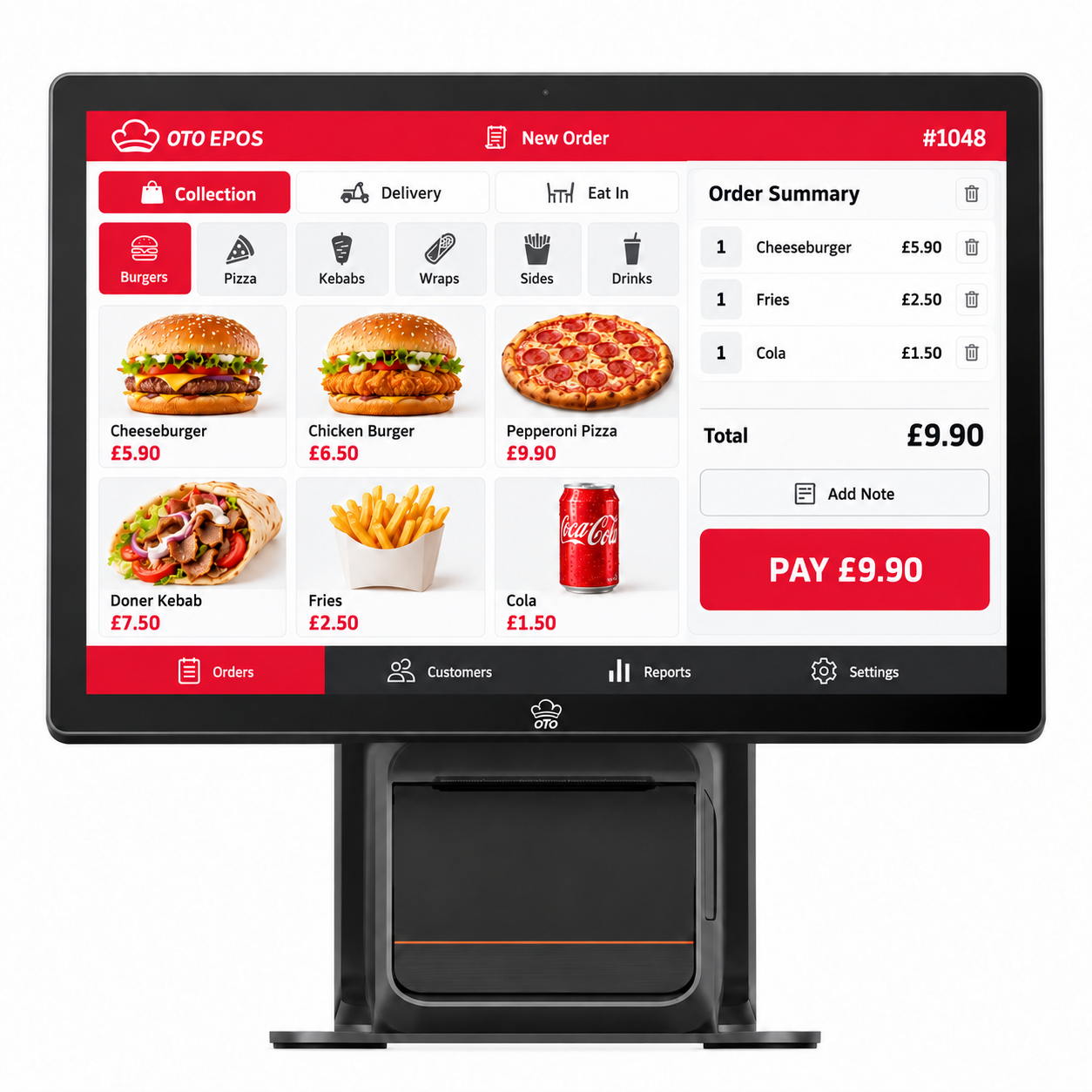
Ordering channels, your EPOS setup and payments sit in one connected workflow, so orders reach your team and payment happens at the point of service.
Tell us about your business and we’ll help you explore the right combination.